Accessing your account is the first step to playing, whether you are on mobile or desktop. A secure cango login ensures you have access to your bankroll and the full game library without delay. For new players, the sign-in process is straightforward, requiring just your email and a password. Once you have established your cango account, you can quickly navigate to the cashier to manage your funds in AUD or EUR, as there is no NZD in the cashier. Keeping your credentials private is essential for protecting your balance and maintaining a secure gaming environment while using this platform.
Cango casino login: login in one table
| step | what to tap | common mistake |
|---|---|---|
| Access site or PWA | Browser URL or Home Screen icon | Using an outdated link or bookmark |
| Open login window | Log in button in the top right | Attempting to register instead of login |
| Enter details | Email and password fields | Confusing password with username |
| Google Sign-in | Google button | Using a different Google account |
| Access Wallet | Wallet icon or Cashier button | Forgetting to verify email/phone first |
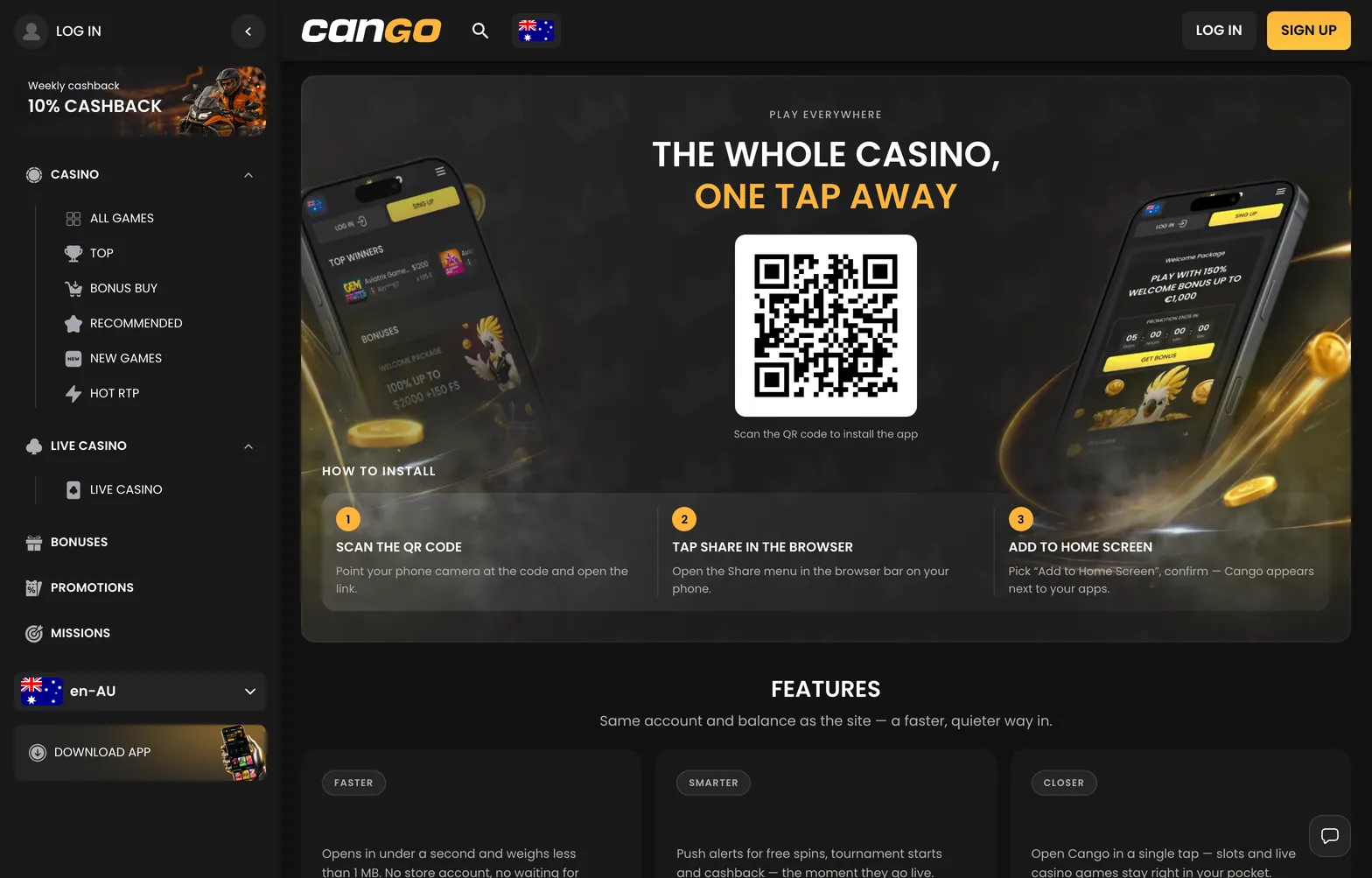
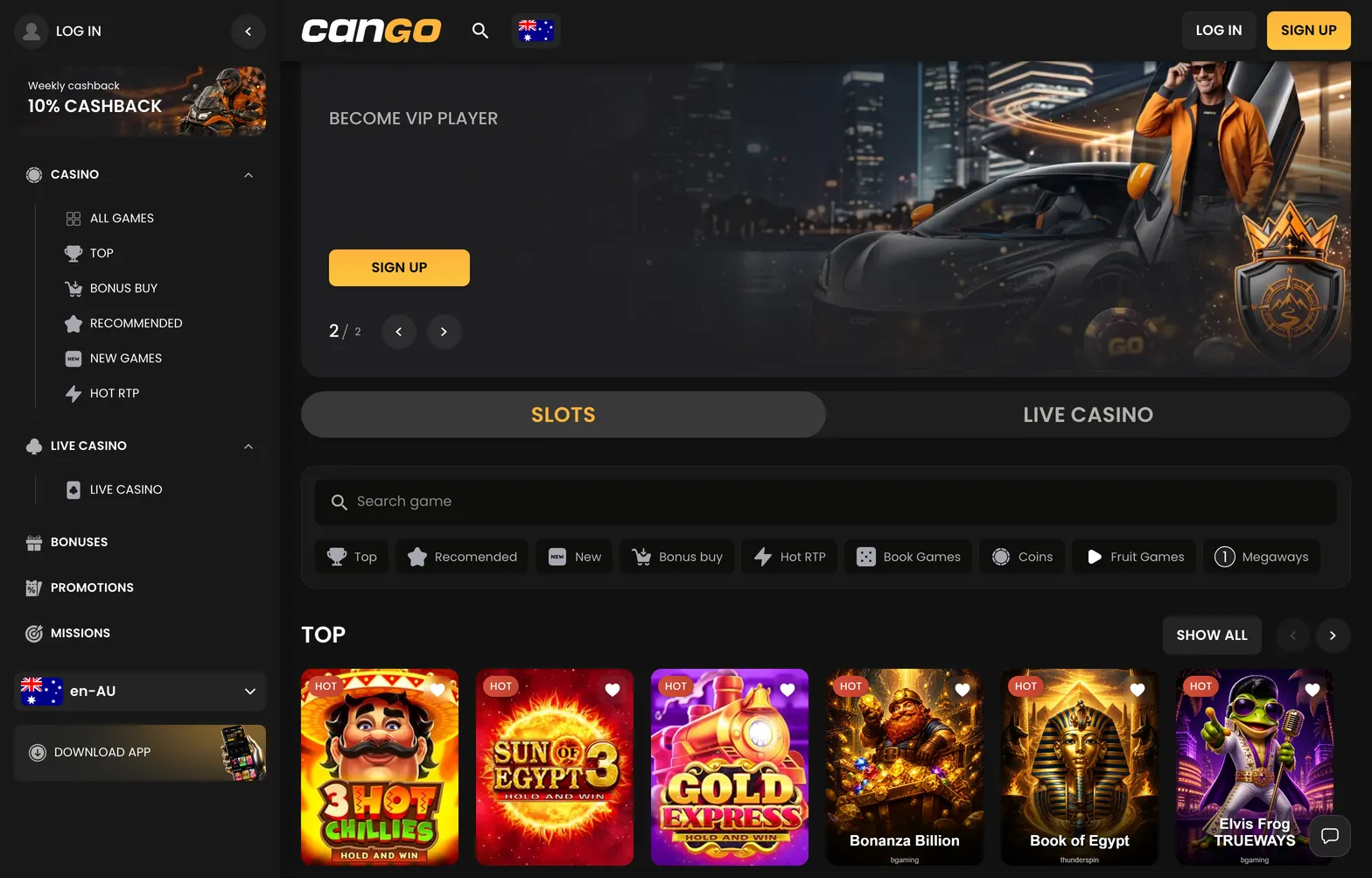
The process for a cango sign in is designed for rapid access, allowing you to move from the landing page to the game lobby within seconds. If you are using a mobile device, installing the PWA (Progressive Web App) allows you to bypass the browser interface entirely. Once installed, the icon sits on your home screen just like a native app. When you tap this, the site opens directly to the login interface. For desktop users, the login button is clearly visible in the top right corner. Clicking this opens a pop-up window where you input the credentials you chose during registration.
It is important to remember that there is only one cango account permitted per person, per household, and per device. Attempting to open multiple accounts to claim welcome bonuses or circumvent limits will lead to an immediate lock. When you sign in, ensure you are not using a VPN or proxy service. These tools are strictly banned under the terms of use. The system detects connections from these sources and may automatically restrict access to your funds. If you travel, ensure your connection is direct and stable. If the system flags your IP address, it may temporarily block your access for security reasons until you contact support to clarify your location.
Once logged in, your balance is displayed in your chosen currency, AUD or EUR. You do not need to convert funds manually; the system manages the display based on your selection at sign-up. If you notice your balance is missing or you are logged into the wrong interface, check your network connection immediately. Do not attempt to log in via third-party software or copycat sites, as these are not secure. Always ensure you are on the verified platform before inputting your email and password. A strong, unique password is the basic safety measure that keeps others away from your bankroll.